Namatad combines custom field devices, wearables, phone-based alerts, geofencing, exposure monitoring, and operational reporting to give safety teams visibility into equipment, work areas, and the people operating near them in high-risk industrial, utility, emergency response, and defense environments.
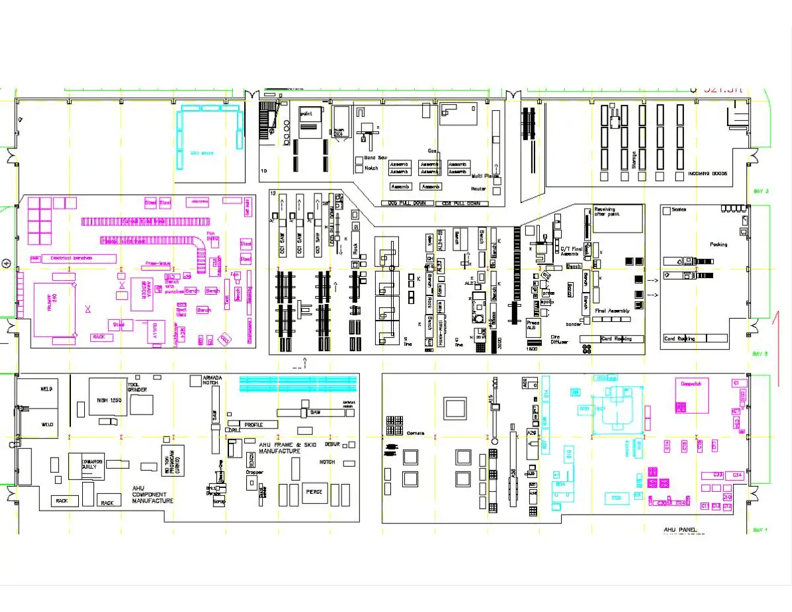
Location accountability + workspace visibility
Worker location, local alerts, and event logging in the same operational view.
Augment your existing lockout/tagout system with a remote facility view
CrossCheck acts as a digital twin for your controlled work areas. It layers a live remote view on top of the locks, tags, and equipment already in place so teams can see what is active, where it is active, and who is nearby without being physically on the floor.
• Keep the physical workflow you already use
• Add a digital twin layer for remote visibility
• See assets, zones, and exposure context together
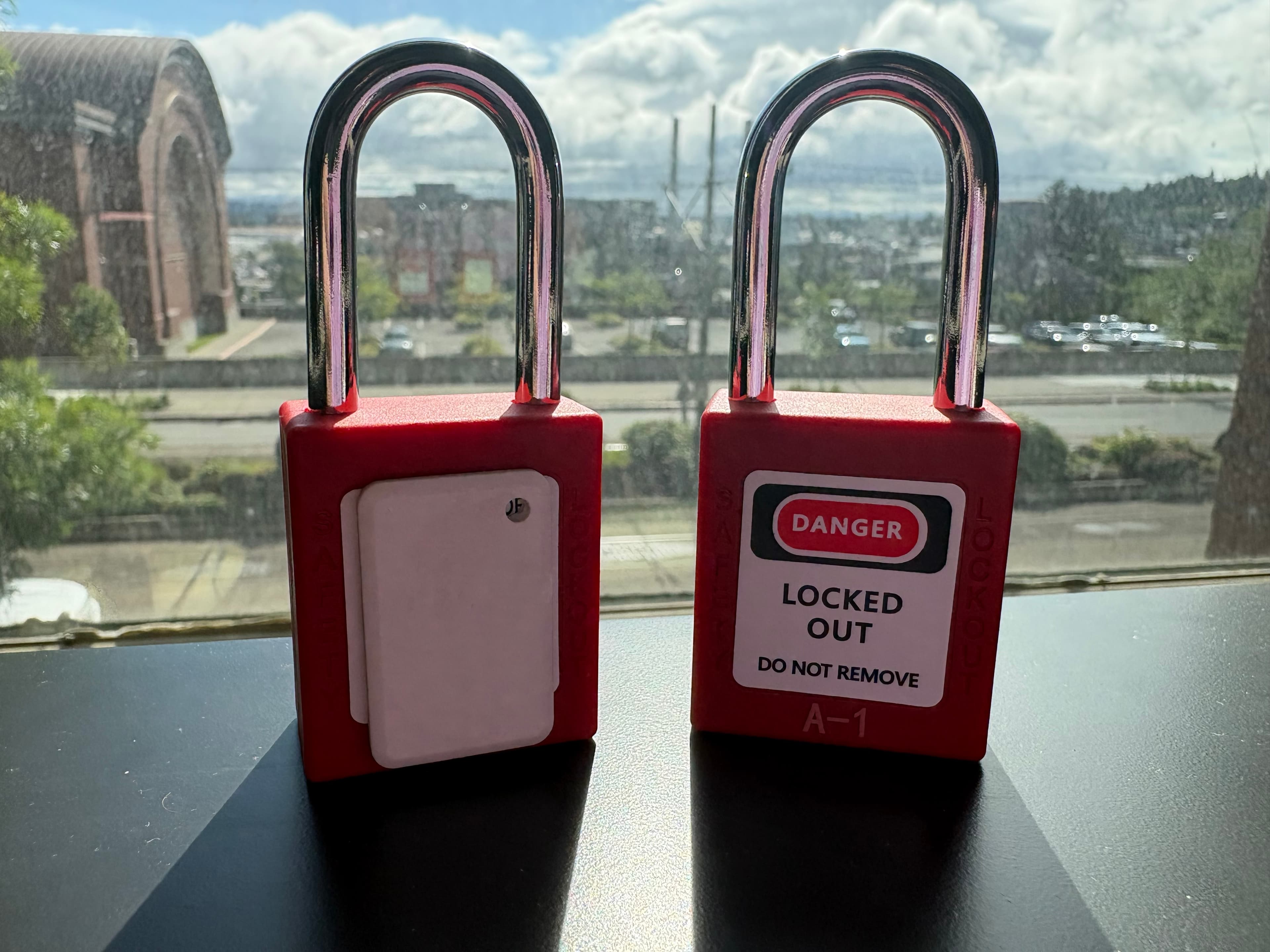
Device on lock
Example of a device mounted with locks at a controlled point.
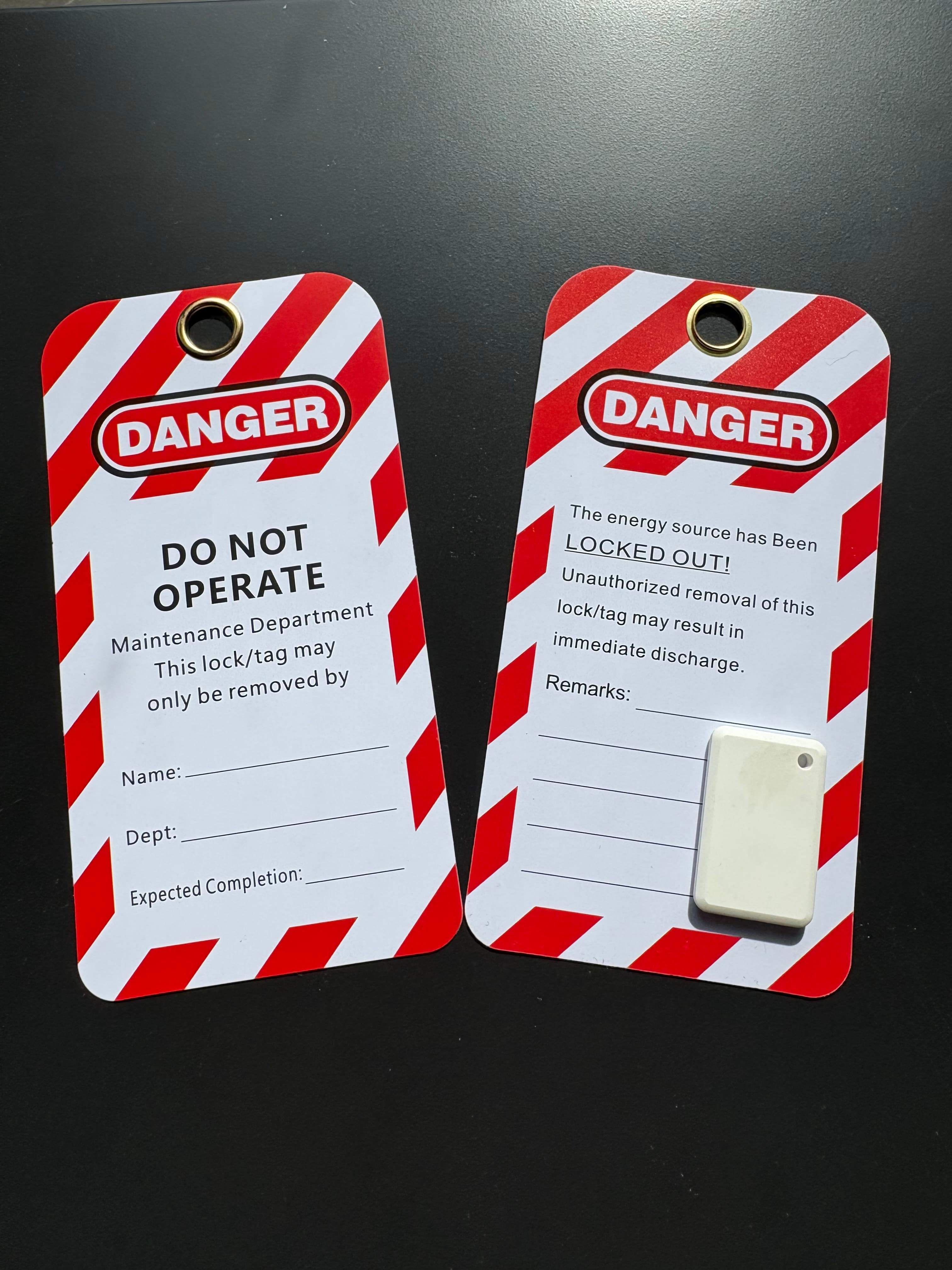
Device on tag
Example of a device paired with an augmented tag on the asset.

Wearable device
Small, wearable devices used to keep people visible while work is underway.
CrossCheck roadmap for controlled work
A phased view of how CrossCheck moves from hazard definition to operator awareness, documentation, and follow-up.
Hazard scope
1
Controls
2
Personnel
3
Alerts
4
Record
5
Action layer
6
Step 1
Define what is controlled
Tag equipment, mark zones, and establish the hazard state before work begins.
Step 2
Apply lockout or tagout
Tie the control state to the asset so everyone sees what is active right now.
Step 3
Track who is nearby
Use wearables or phones to understand who is close and when exposure starts or ends.
Step 4
Notify on proximity or entry
Surface hits when someone enters a geofence or gets too close to a restricted area.
Step 5
Preserve the event trail
Keep a documented account of who initiated the control state and what happened next.
Step 6
Review and act confidently
Use the record after the event to brief teams, adjust controls, and improve the next job.
A real-time visibility layer around controlled work
Namatad helps safety leaders understand where personnel are, what equipment or work spaces are restricted, what areas have been marked for caution, and what safety-critical events occurred while the job was in progress.
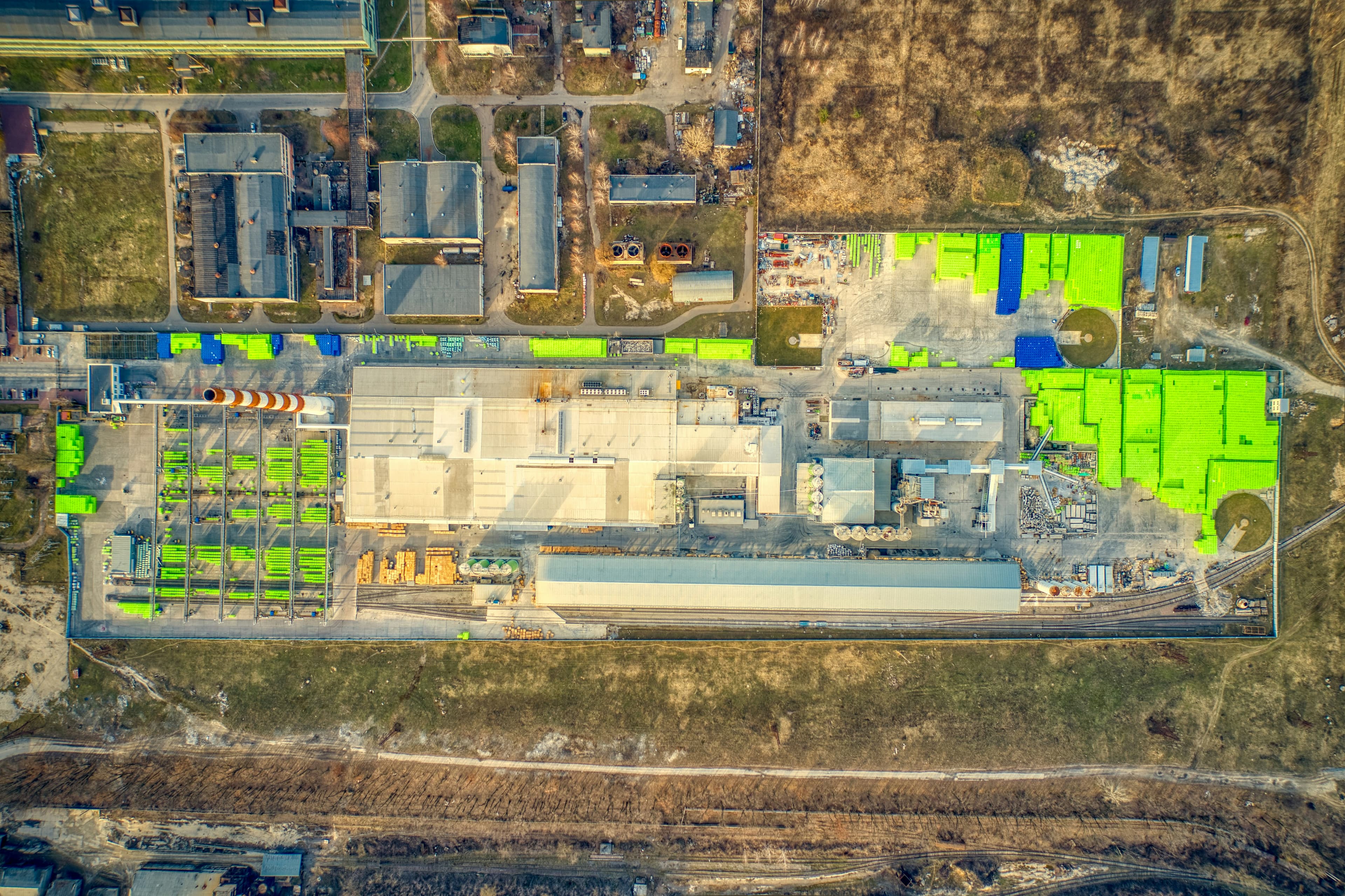
Location accountability
Use wearables and portable devices to understand where people are and when they are nearby.
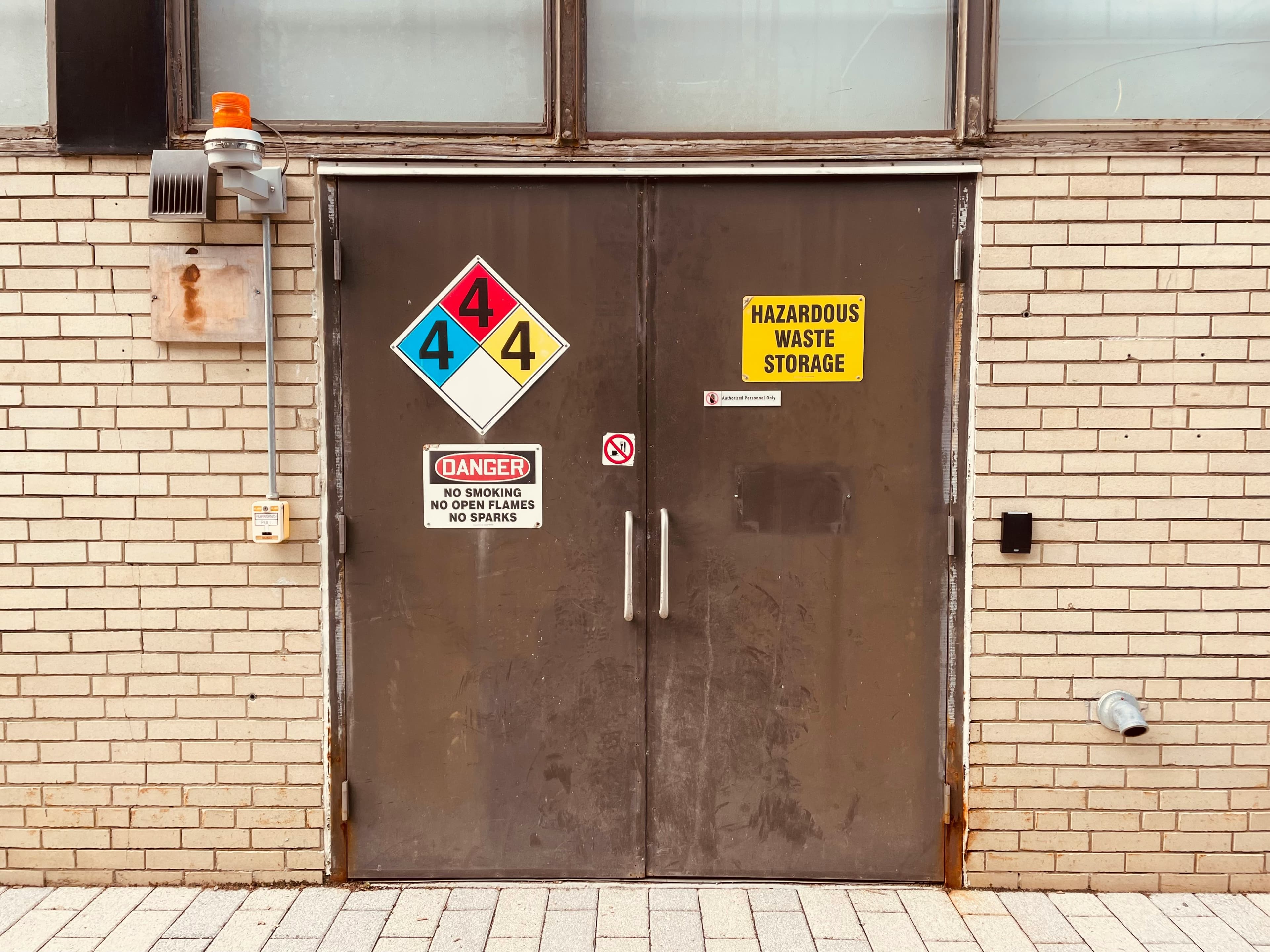
Hazard and workspace visibility
Mark equipment and work areas so supervisors can see what is locked, tagged, or restricted.
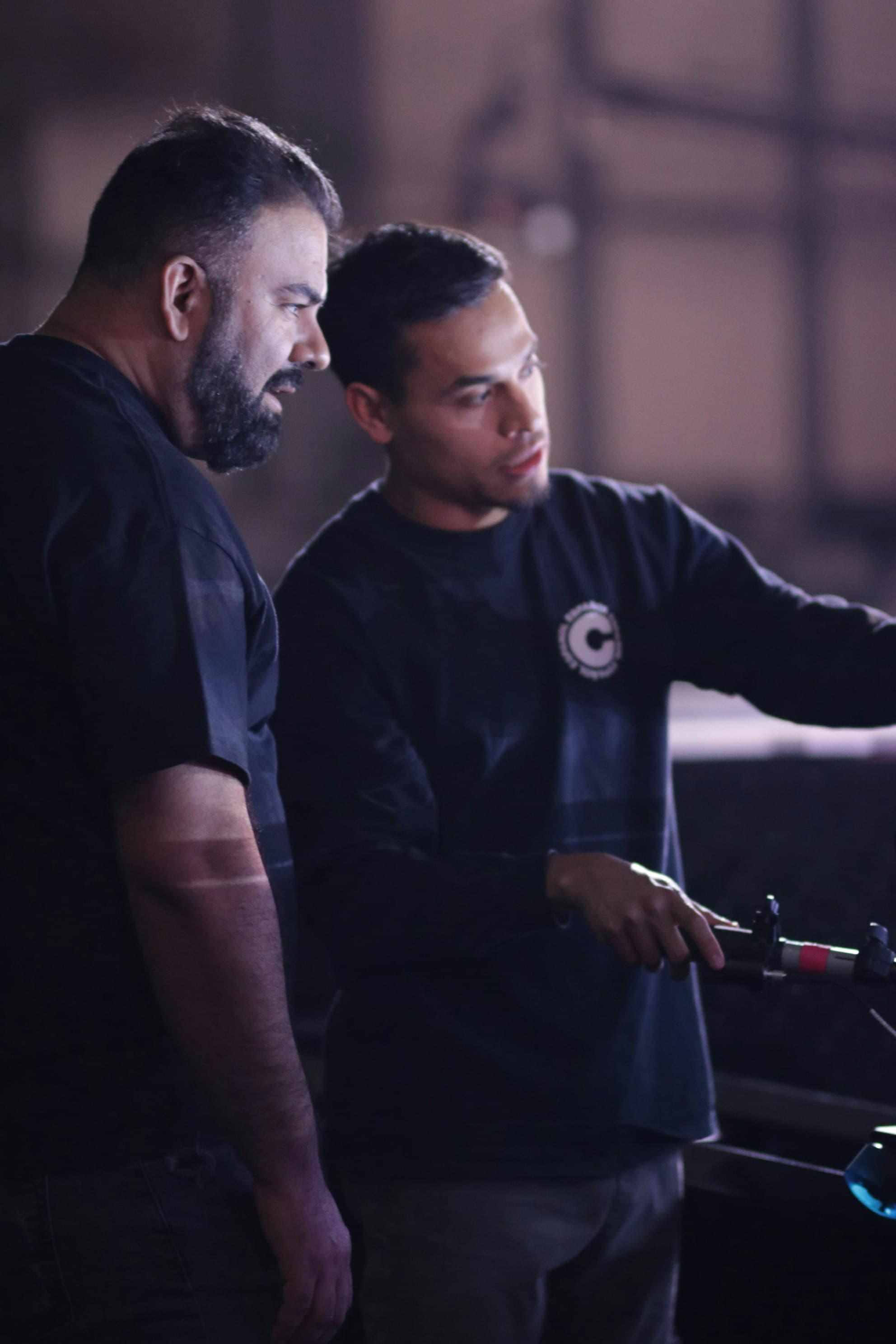
Notify nearby workers
Trigger audible alerts and geofenced notifications when someone enters a controlled area.

Communicate to safety leaders
Show supervisors a live view of zones, nearby personnel, and safety-critical events.
What CrossCheck covers
Keep the story compact: CrossCheck tracks the controlled state of work, the people around it, the alerts that matter, and the record you need after the job.
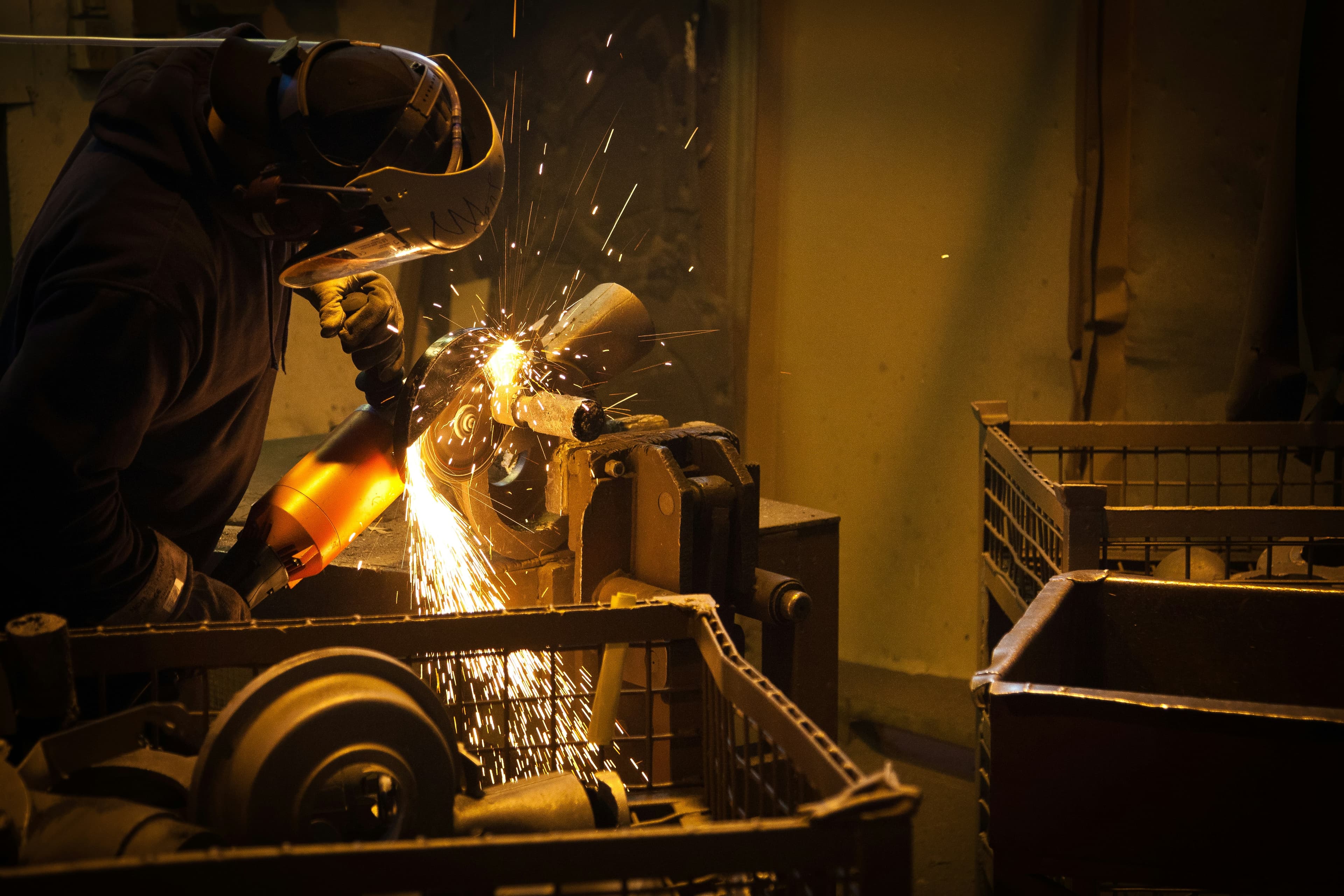
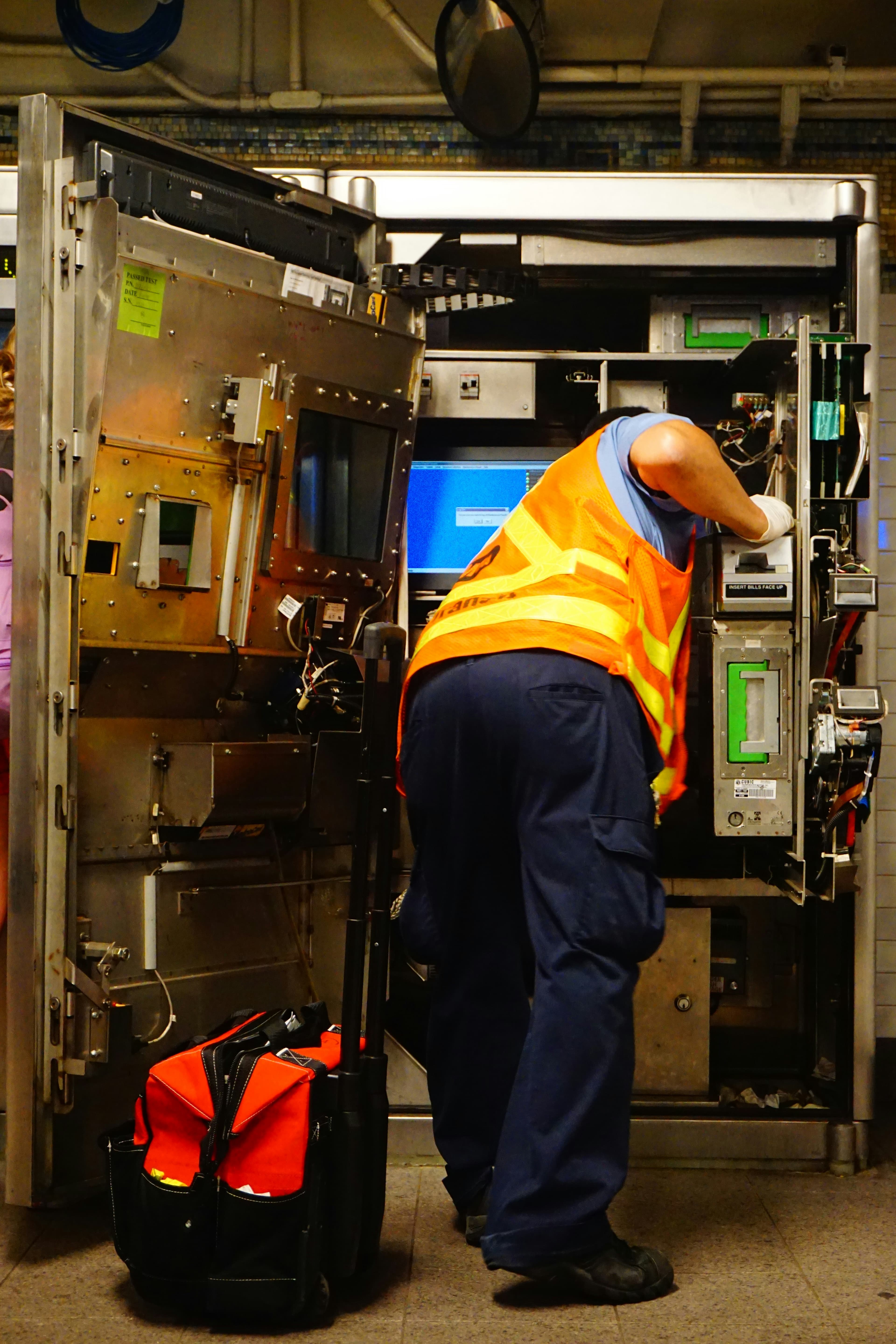
Controlled assets
Locked-out, tagged-out, and restricted equipment stays visible in context.
Worker accountability
See who is nearby, when exposure starts, and when the state changes.
Proximity alerts
Surface the moments that matter when people enter controlled space.
Event record
Keep a timeline for review, briefing, and post-job reporting.
Introduction to CrossCheck
Watch the product demo to see how CrossCheck combines controlled work, geofencing, worker visibility, and exposure context in one operational view.
Operational analytics for downtime, repair, and restricted areas
CrossCheck analytics help operations and maintenance teams review open work, repair timing, and the areas that see repeated controlled-work activity.
Open issue assets
See which assets stay open the longest and which ones keep returning to the queue.
Repair cycle timing
Track how long work stays open, how quickly it is cleared, and where the queue is backing up.
Restricted-area activity
Track observed zone events, recurring areas, and the places that see the most controlled-work activity.
Practical rollout for new customers
The fastest path to value is straightforward: get the hardware, configure the facility, deploy it with your existing controlled-work process, and then use the analytics to learn what’s happening over time.
Order a starter kit
Start with the Namatad hardware package that gives you the sensors, tags, and field pieces you need to get the system running.
Set up the account
Add facility details, users, floor plans, and the locations you want to control and monitor.
Deploy with your CrossCheck equipment
Install the kit alongside your existing controlled-work process and mark the assets and areas that need visibility.
Start using it on the floor
Track who is nearby, when hazards are active, and how controlled areas are changing in real time.
Review analytics and reporting
Use the logs, trends, and post-event records to spot patterns, brief teams, and improve future work.
Ready to try CrossCheck?
Explore 90-day early-adopter programs that combine CrossCheck hardware, platform access, monitoring, analytics, and reporting.
CrossCheck + CANAIRY
CrossCheck can pair with CANAIRY to add real-time exposure monitoring to lockout/tagout, geofenced areas, and other controlled work.
Talk with Namatad about energy control safety
If your organization is exploring hazardous energy control, geofencing, worker accountability, or exposure monitoring with CANAIRY, Namatad can help.
Contact us